Ask Claude about your shipments directly
Checking on a container usually means stopping what you are doing and switching over to another tab, even when you are already in the middle of something else, like a conversation with Claude.
Where is this container right now? What happened to it along the way? Questions like that used to mean leaving the conversation to go find out.
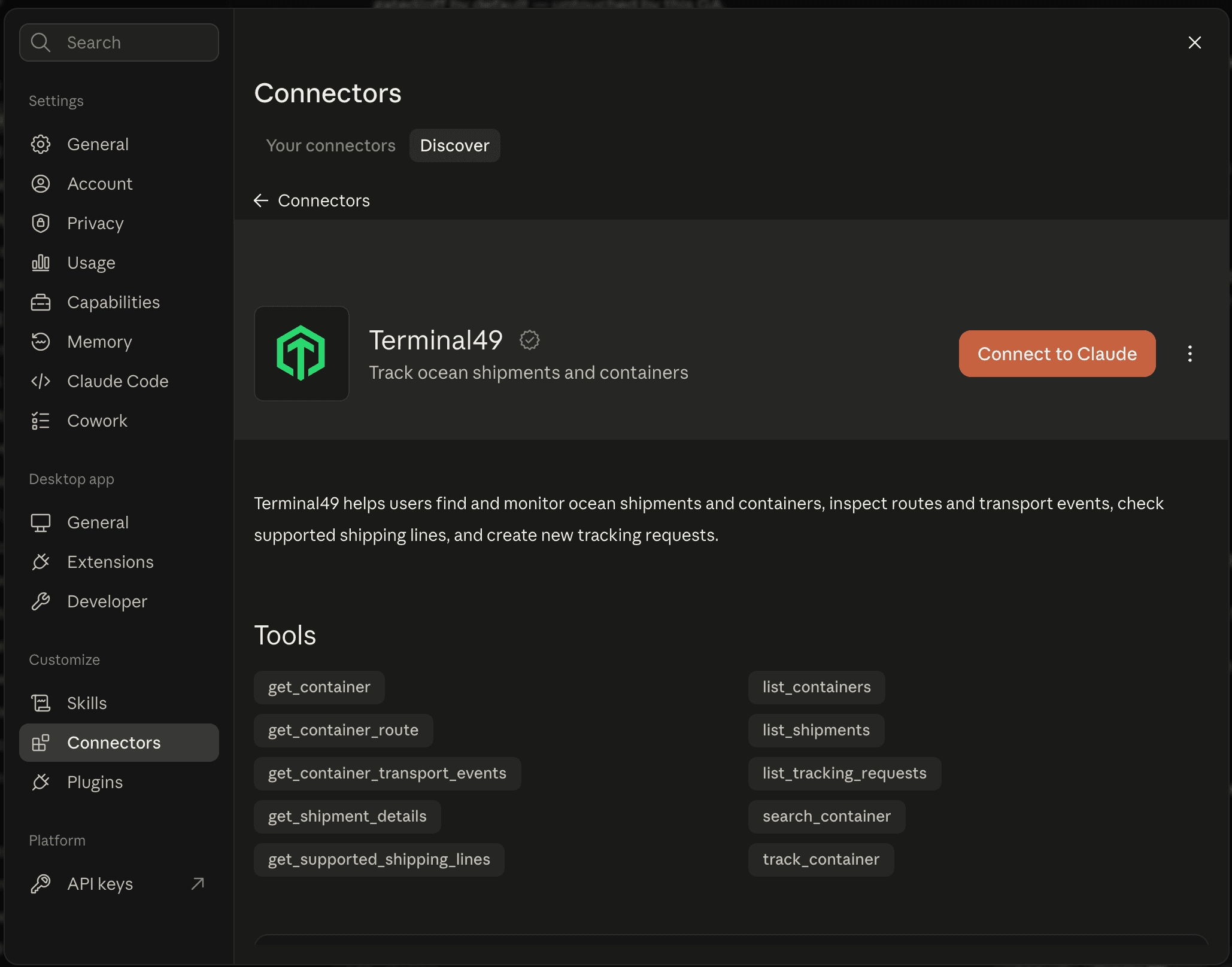
Terminal49 now has an official connector in Anthropic's Claude connectors directory. It has been reviewed and approved by Anthropic, not a workaround or a third-party plugin standing in, so it is a safe, sanctioned way to give Claude access to your freight data.
What you can ask
Once your account is connected, you can ask Claude to:
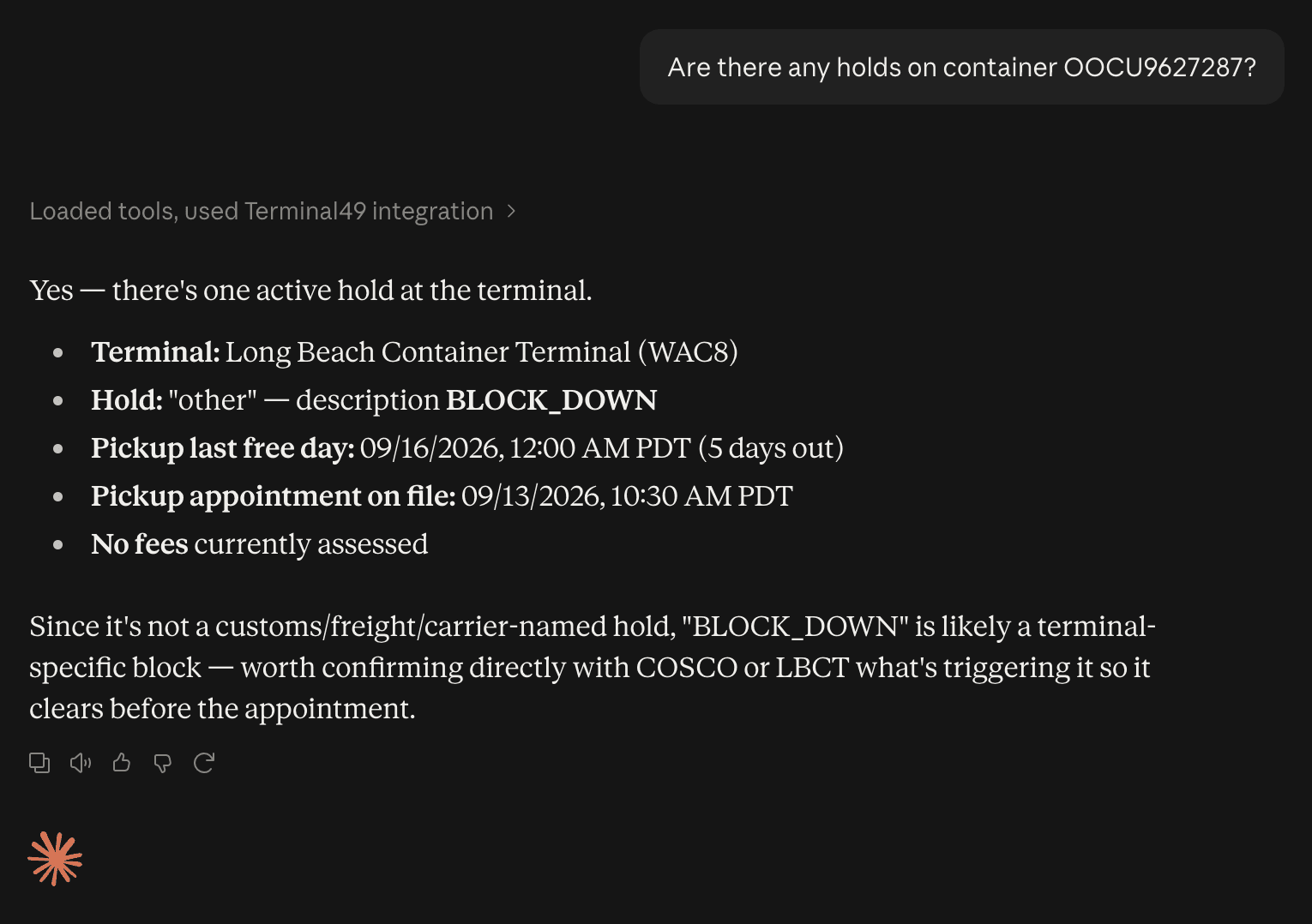
- Check on any container, including holds, fees, and appointment details
- See a container's route and its full transport history
- Check which shipping lines Terminal49 supports
- Start tracking a new container, without opening Terminal49 at all
Claude works from your own Terminal49 data, whether you are checking on something or setting up new tracking, right in the conversation you are already having.
How to connect
In Claude, go to Settings, then Connectors, then Discover, find Terminal49, and select Connect to Claude. Anyone on your team with a Terminal49 login can connect on their own, no admin setup required.