Your logistics data, exactly the way your business works
Attach your own POs, vendor codes, and workflow statuses to every shipment and container — structured, filterable, and always in sync with what's moving. Make Terminal49 your system of record, not just your tracking tool.
Start Customizing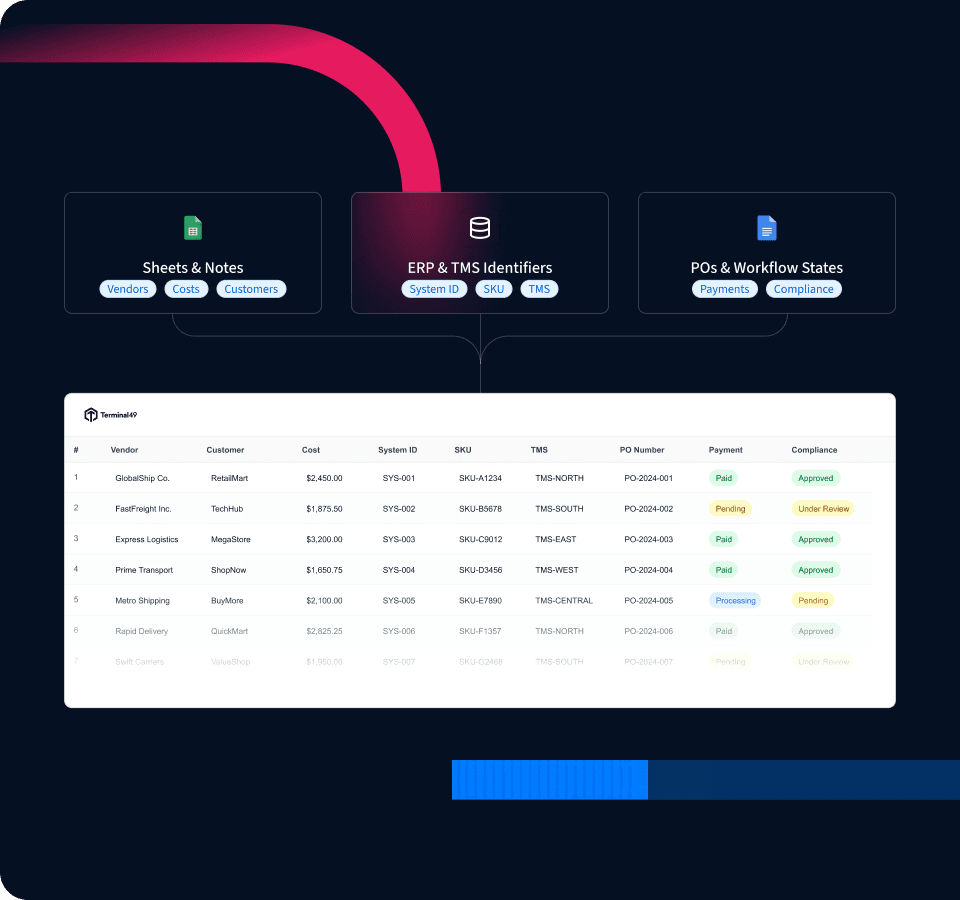






No more scattered notes
Keep all your business identifiers, POs, and workflow states in one structured place.
No more stale tracking sheets
Real-time updates across your team without manual spreadsheet syncing.
No more mismatched IDs
Bring your ERP, TMS, or internal system's reference values onto every shipment and container.


Why your logistics data needs custom fields
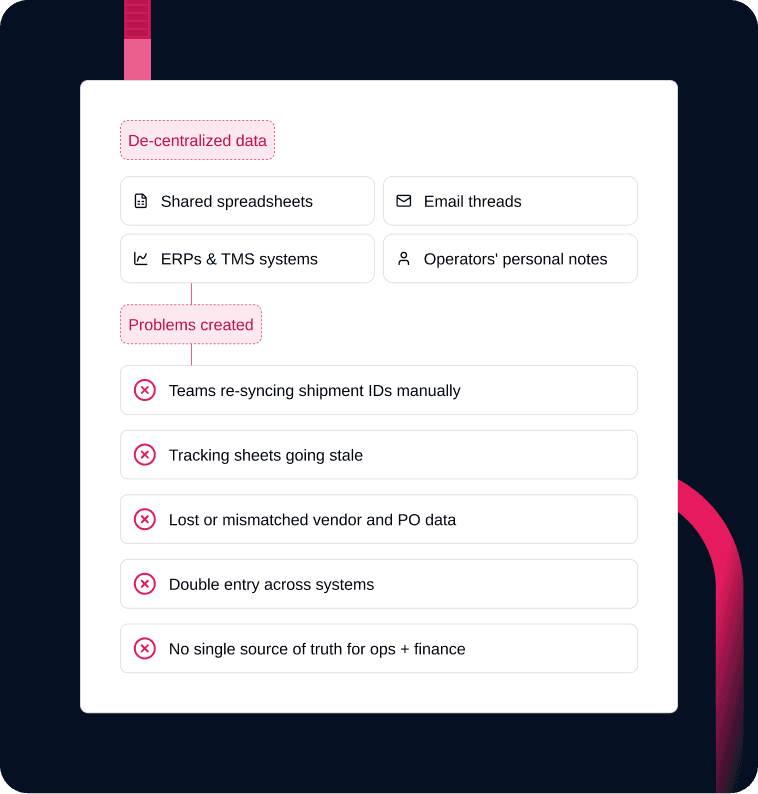
Most logistics teams run two systems in parallel: Terminal49 for tracking, and a spreadsheet for everything else — internal codes, status flags, PO numbers, exception notes. Terminal49 never had room for that data, so it ends up somewhere else.
The spreadsheet works until it doesn't. Someone types a value slightly differently, or a row gets deleted. The container moves and the spreadsheet doesn't, so you export, paste, and rebuild — and the two drift further apart.
Bring your own data fields
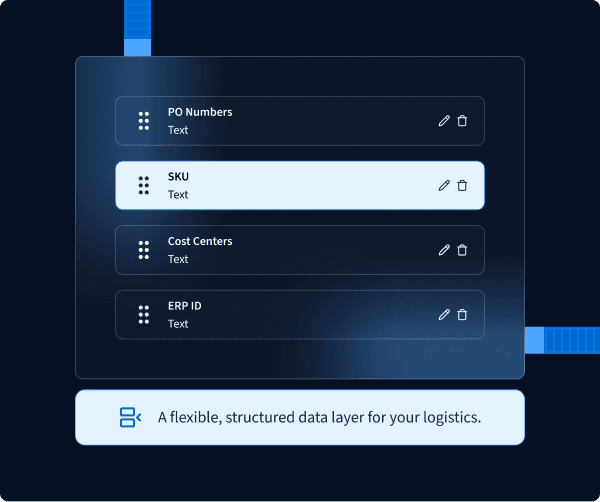
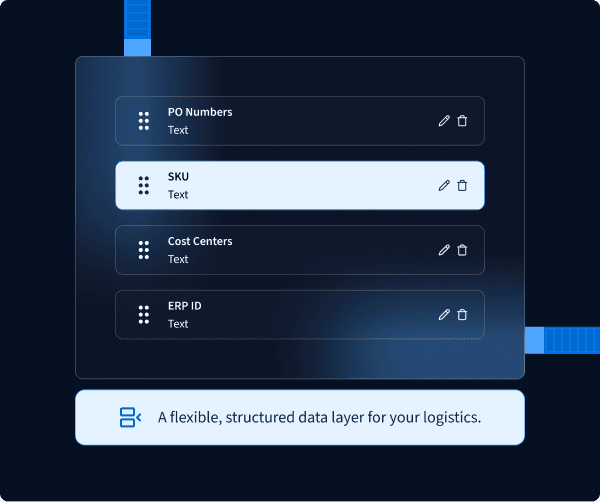
Add any field your business needs:
- PO Numbers
- Vendor or Factory Codes
- Customer References
- Compliance/Document Flags
- ERP/TMS System IDs
- SKU or Line Items
- Cost Centers
- Internal Workflow States
- Payment Readiness Codes
Bring your own data fields
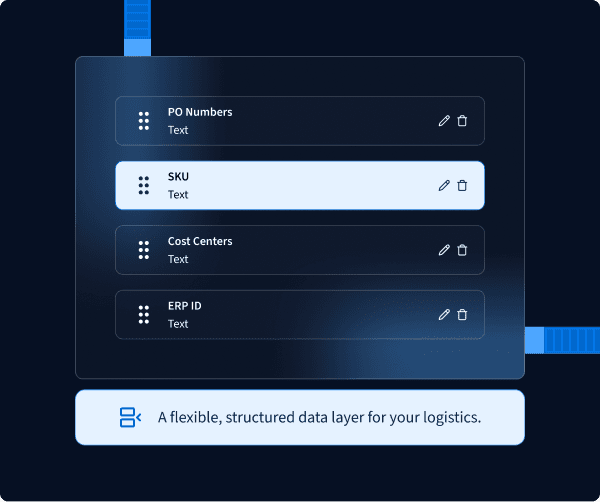
Add any field your business needs:
- PO Numbers
- Vendor or Factory Codes
- Customer References
- Compliance/Document Flags
- ERP/TMS System IDs
- SKU or Line Items
- Cost Centers
- Internal Workflow States
- Payment Readiness Codes
Bring your ERP or TMS context in
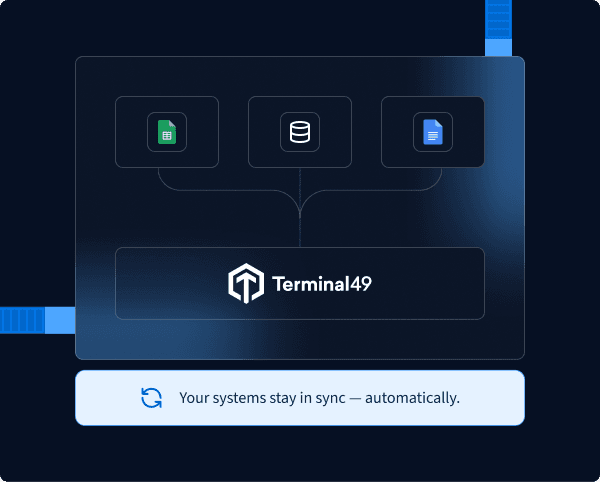
Your ERP, TMS, or WMS already has its own order numbers and references — it doesn't need Terminal49's ID, it needs somewhere to put its own:
- Write PO numbers, order IDs, or buyer codes onto the shipment at creation, via API or CSV
- Every teammate sees the same reference your system already uses — no cross-referencing
- No side spreadsheet, no manual re-entry
- Values are available to read back out via API if a system on the other end needs them too
Replace your manual tracking sheet
Before Custom Fields, many customers kept a separate spreadsheet with notes, POs, statuses, vendor references, and custom flags. Now you can build that exact dataset inside Terminal49 using:
- Custom Fields
- Container Views
- Shared Views
- Real-time milestone data
One source of truth for your operations
Today's Reality
Data scattered everywhere
- Manual re-syncing
- Stale tracking sheets
- Lost/mismatched data
- Double entry
With Terminal49
Unify everything in one platform.
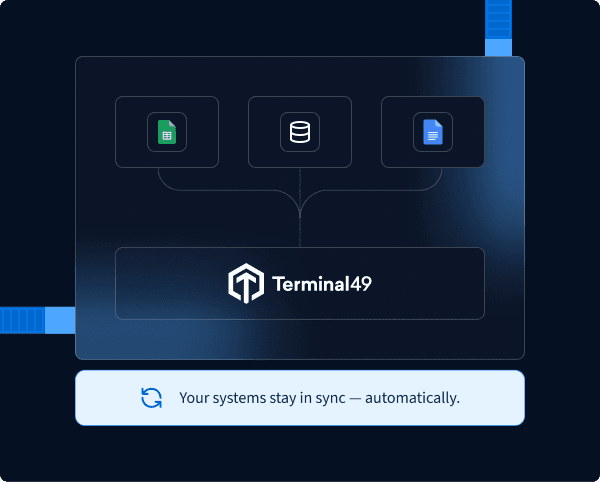
- Auto-sync everywhere
- Always up-to-date
- No lost data
- Single source of truth

Where custom fields show up
- Add your custom fields to any view
- Inline edit values for rapid updates
- Sort and filter using your business's dataset
- Shipment-level fields automatically sync across all containers on that shipment
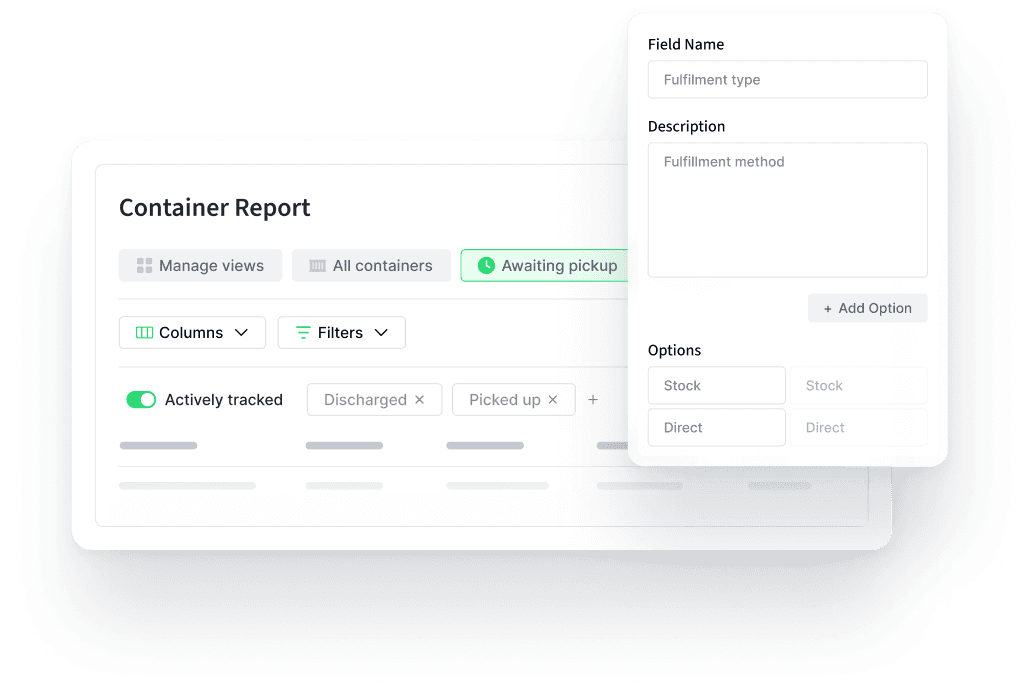
Your custom fields appear in CSV exports, Shared Views, and API responses. Mark a field Sensitive and it's automatically hidden from any Shared View that has Hide Sensitive Columns turned on — your team sees everything, the people you share with see only what you intend.
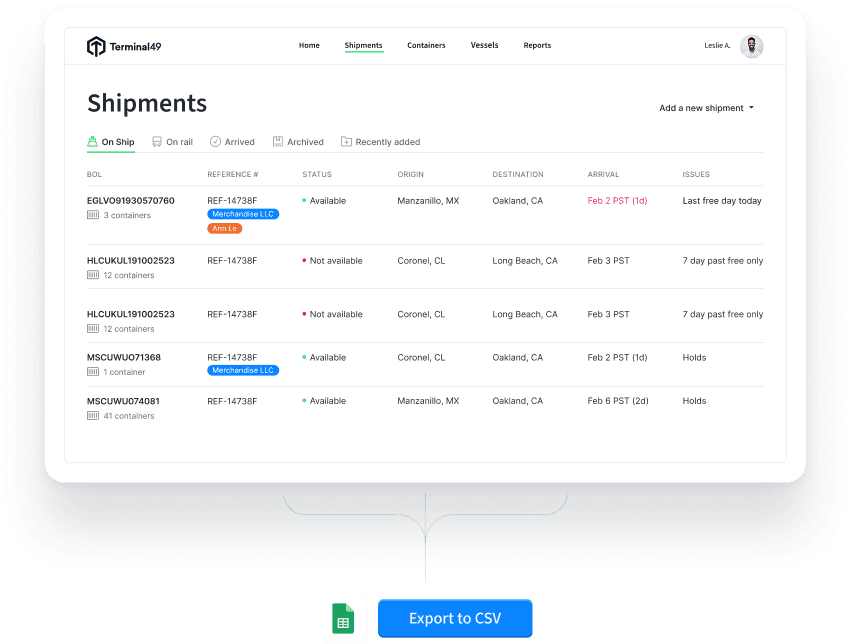
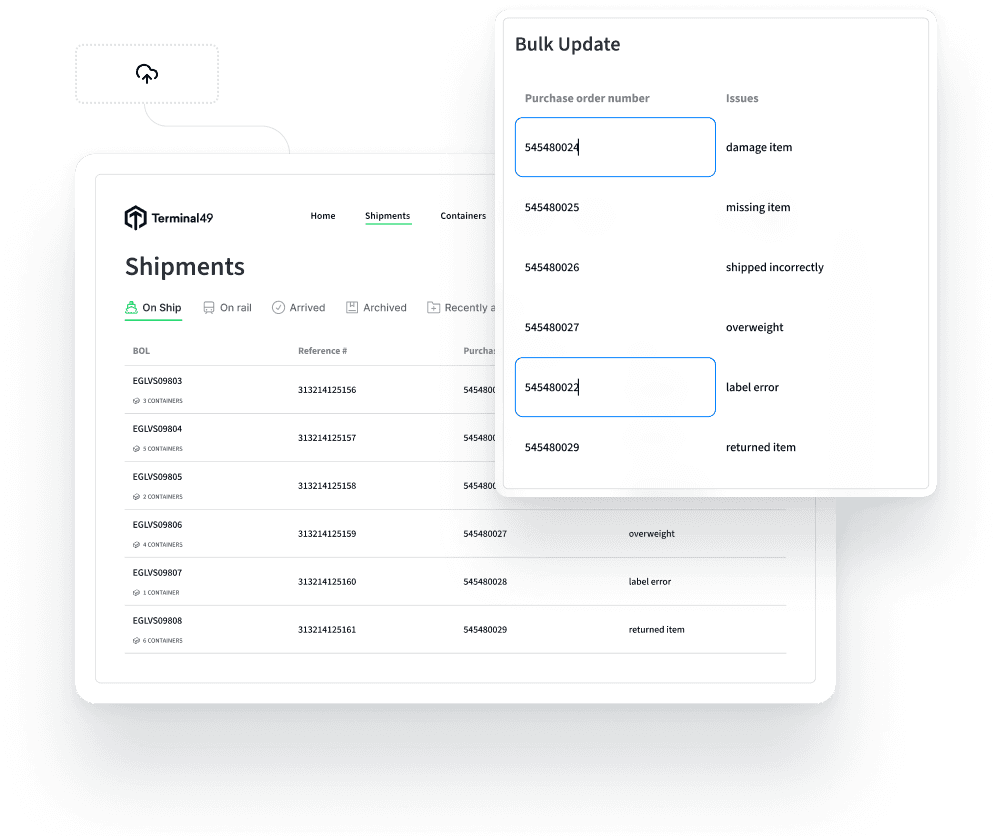
- Upload a CSV via Bulk Update
- Update container-linked fields in one action
- Backfill your entire history in minutes
- (Shipment-linked fields available via a Customer Success request)
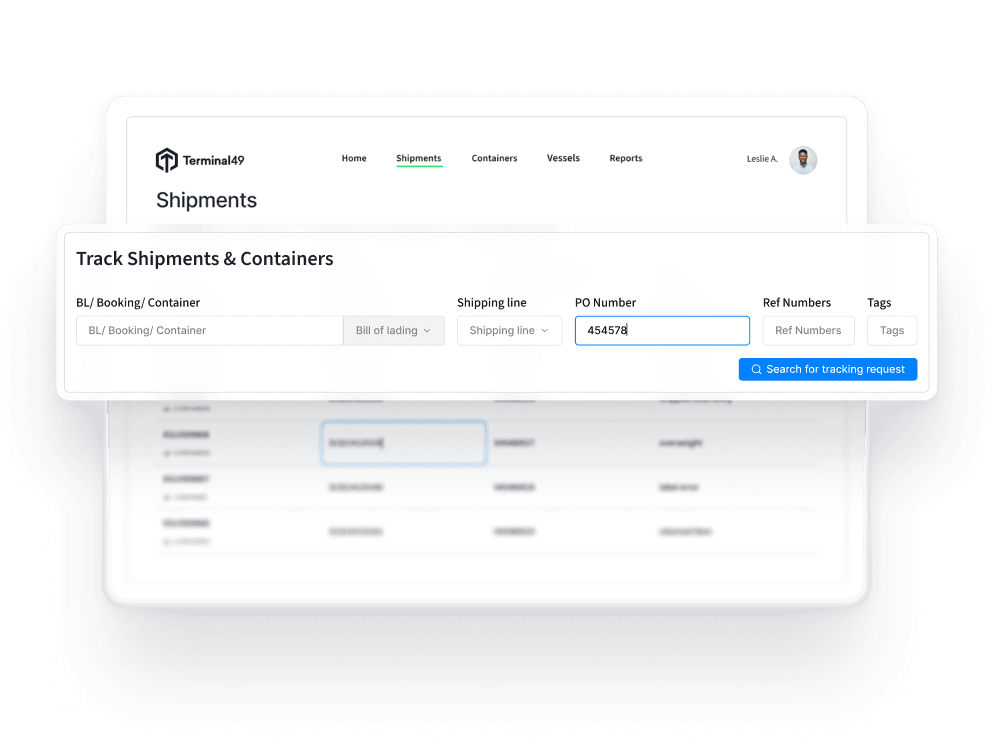
Add Custom Fields right at the moment you start tracking — CSV track requests, single tracking requests, or email-based tracking (CSV-in). Your data is clean and attached from day one.


We have consolidated containers, combining the multiple POs, SKUs, and product descriptions together so it can all go into Terminal49.
Transform Terminal49 into your logistics database
One system for tracking, exceptions, and the business data that used to live in a spreadsheet next to it.
Design your own data model
Define shipment- and container-level fields for exactly what your team tracks — text, number, date, true/false, select, or multi-select.
Build internal workflows
Flag hot containers, track next action dates, and build filtered views that update automatically as shipments move — no exporting, no rebuilding.
Support cross-department visibility
Tag shipments by client, business unit, or project, then give each team a Shared View scoped to exactly what’s relevant to them.
Align ops, finance, and customer teams
Keep cost and invoice data alongside tracking data, and mark it Sensitive so it’s hidden automatically from any Shared View with Hide Sensitive Columns turned on.
Eliminate duplicate tracking tools
Stop maintaining a side spreadsheet for the data Terminal49 didn’t have room for. If it matters to your operation, it lives on the shipment or container itself.
Use Terminal49 as your system of record
Write your ERP, TMS, or WMS reference values onto the shipment at creation, so everyone looking at it in Terminal49 sees the same context your systems already use.

Every plan includes Custom Fields, with room to grow as your team does. See pricing → or read the setup guide.
Get Started With Custom Fields
Every plan includes Custom Fields — start building fields today, or talk to us about bringing your ERP or TMS data into Terminal49.