
A new, unified way of understanding your shipment data
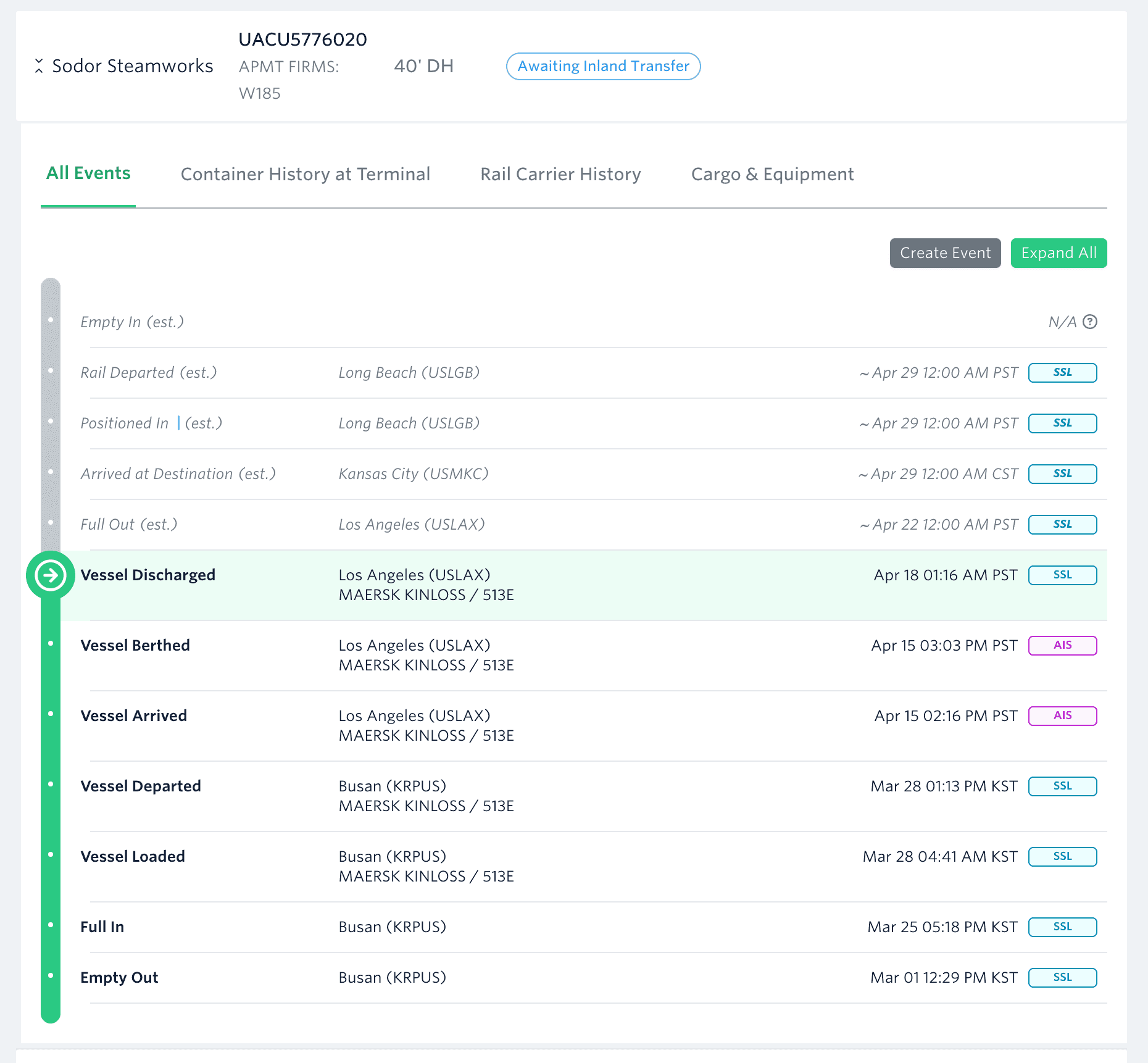
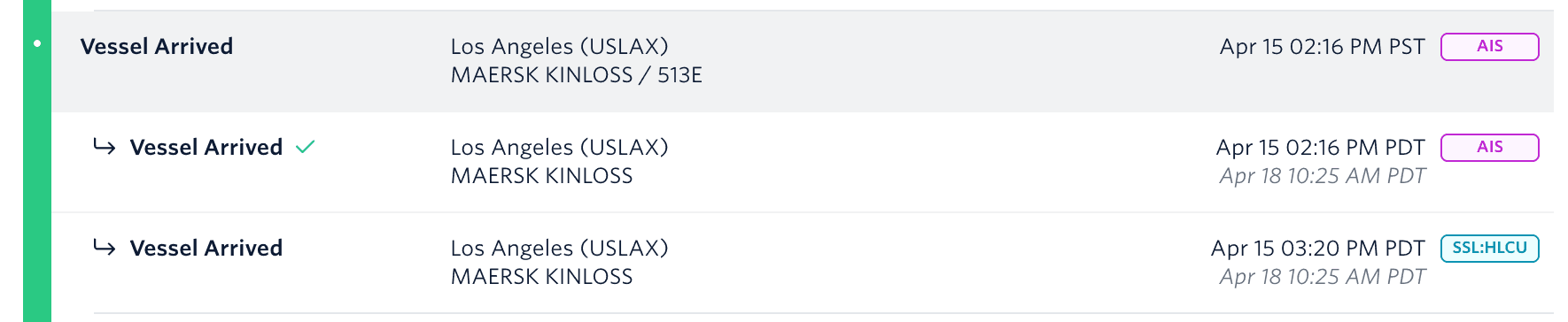
If one source is missing a milestone, it’s filled in from the other sources (when available).
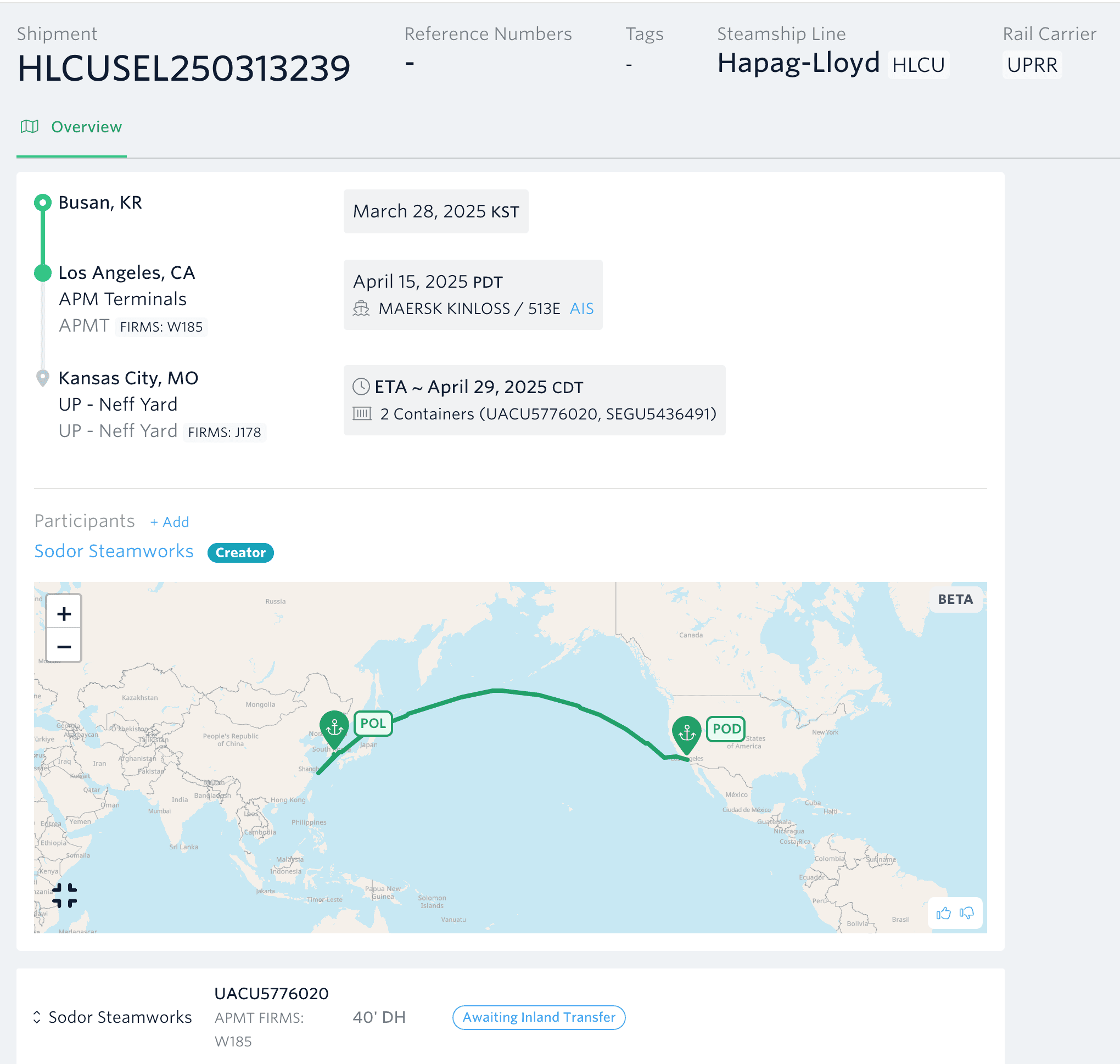
Try it yourself
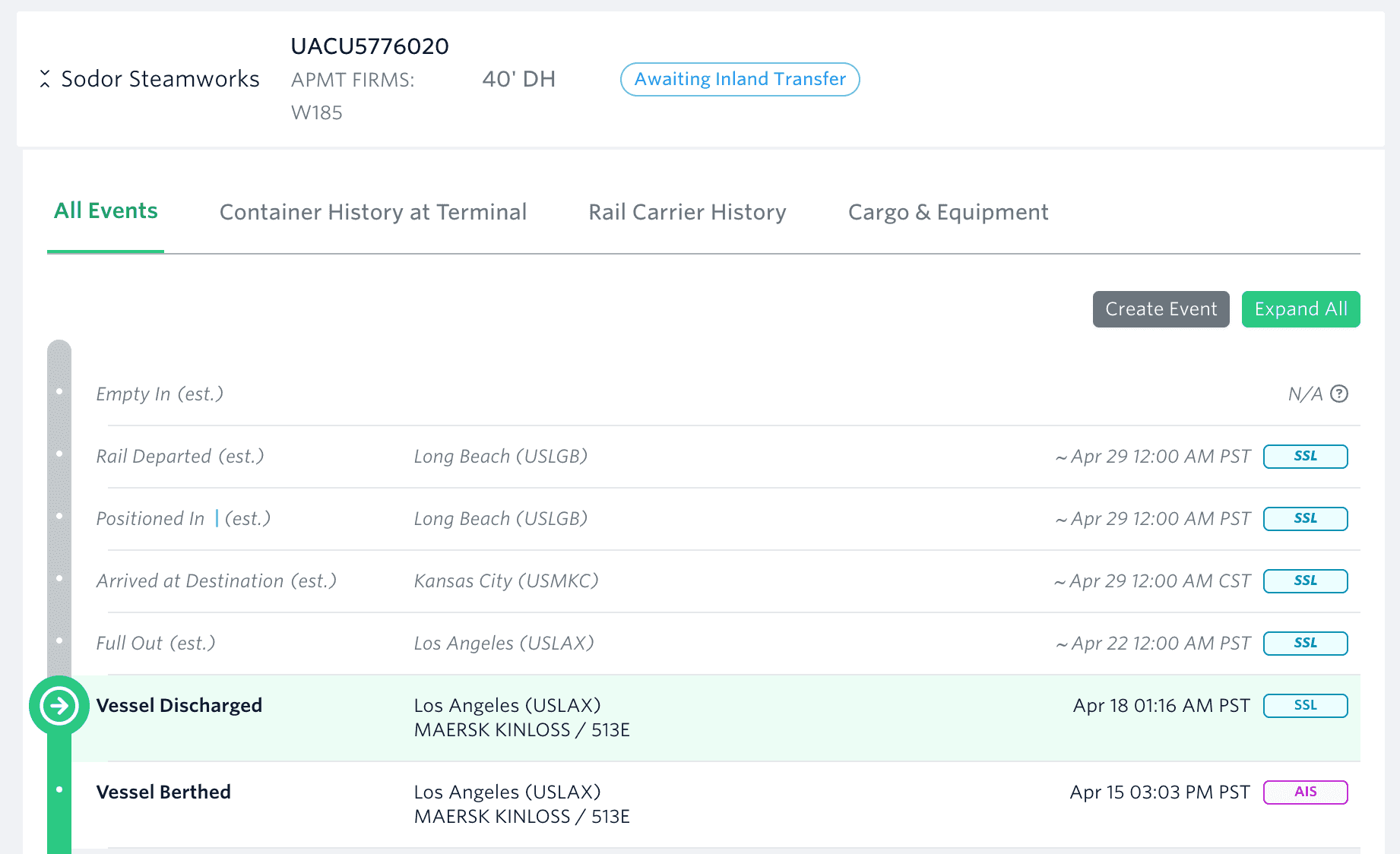
You should now be able to see the Unified Event View in the "all events" tab.
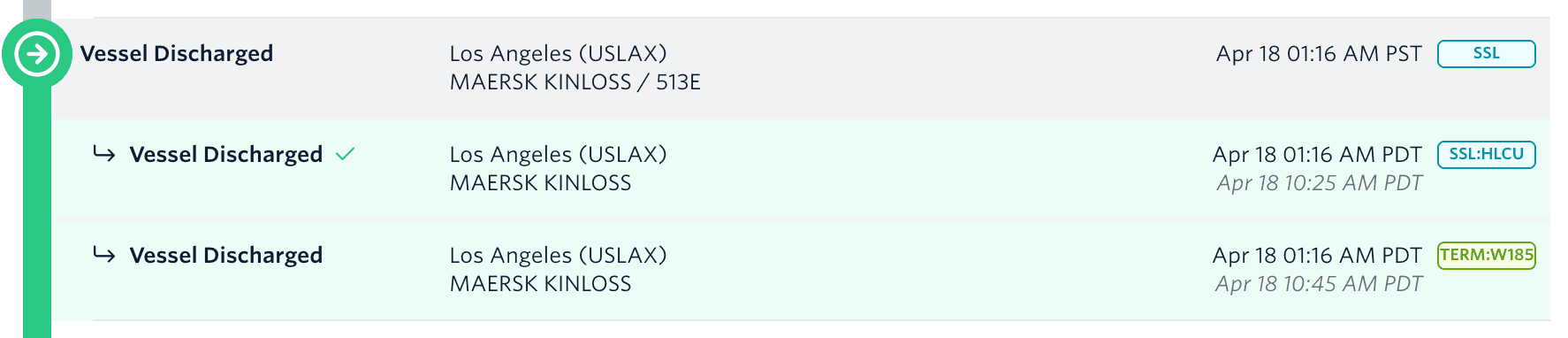
If you want more detail about a particular event, you can click it to expand. We often get data from multiple sources for the same event, and this view makes it very easy to compare!
While we have consolidated all milestone/event data into this view, there is some other data from the terminal that doesn't quite fit. You can go to the "container updates" tab to see the latest info about holds, fees, and availability at the POD terminal.
Rail Carrier data is included in the All Events tab, but some of our customers prefer it over other sources of data, so we have kept a separate tab with just rail data.
What Changed
- Combines milestones from all data sources into one unified view
- Adds AIS milestones (previously not available in the dashboard)
- Adds terminal milestones (previously not available in the dashboard - note that these are different than “container updates”, which were and are available in the dashboard in a different table).
- Shows “transport events”, which are the more processed versions of the milestones (previously not available in the dashboard). This in particular makes it easier to spot issues in the data.
- Allows admins to add, invalidate, and edit milestones - which means we can solve tickets faster
- Improved visual design, which helps you understand your entire journey and detect possible issues
