> ## Documentation Index
> Fetch the complete documentation index at: https://terminal49.com/docs/llms.txt
> Use this file to discover all available pages before exploring further.
# Tracking Widget Embed Guide
> Embed the Terminal49 track-and-trace widget on your website so customers can look up live shipment and container status with a publishable API key.
## Embed the widget on your website
First, you need a publishable widget API key. See [Entitlements and Paid Features](/api-docs/useful-info/entitlements) for access requirements.
Once you have the key, you can embed the widget on your website. Create a dedicated page for tracking, typically at `company-website.com/track`. You can also embed the widget directly on your homepage. If you create a dedicated tracking page, add an `h1` tag above the script. Feel free to customize the `h1` contents in the script.
Copy and paste the code below and insert it at the top of the page (under your navigation if you have a horizontal top navigation). Replace `REPLACE_WITH_PUBLISHABLE_KEY` with the API key you receive.
To query a bill of lading, container, or reference number, replace `REPLACE_WITH_NUMBER_TO_QUERY` with the specific number you want to search for. If `data-number` exists, the query will be performed only once.
```html theme={null}
Tracking
```
## Frequently asked questions
With a few lines of code, you can embed an interactive container tracking form. Once the widget is live on your website, your customer can enter a master bill of lading, container number, or reference numbers that a shipment is tagged with. After the number has been entered, the widget will retrieve and display shipment and container details from your Terminal49 account.
Yes. The information fetched and displayed by the widget is based on the shipments and containers tracked within your Terminal49 account.
No. Customers can only track the shipments and containers that are tracked in your Terminal49 account.
Yes. Widget access is priced separately from standard API access. Contact [support@terminal49.com](mailto:support@terminal49.com) for widget pricing and to enable access. See [Entitlements and Paid Features](/api-docs/useful-info/entitlements) for access requirements.
## Terminal49 container tracking widget one-pager
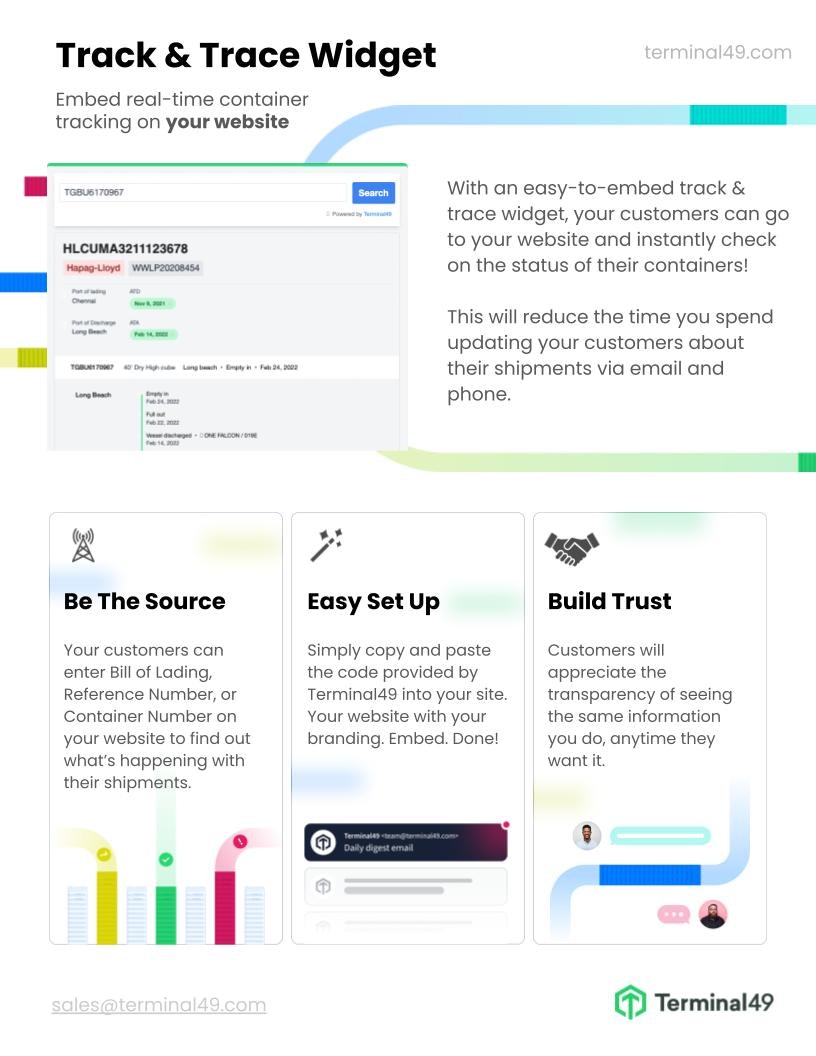
Here is a one-pager that describes the benefits of the Track & Trace Widget. Feel free to share it with your team or management if you want to demonstrate the benefits of adding track and trace functionality to your website.
The Track & Trace Widget provides a number of advantages:
* It offers your customers a convenient way to track their shipments and containers.
* It helps to improve customer satisfaction by providing accurate container status.
* It can reduce customer service costs by providing customers with the information they need without having to contact customer service.
* It can help you differentiate from other service providers.